One event, held together properly.
Keep one event’s guests, RSVPs, seating, vendors, budget and schedule together, and hand the day to someone else when you need to. No team required.
Example: an event starts from a template, its tasks arrive with owners and due dates, and the first task is completed.
For individual planners
You can hand over the day. Without explaining every detail.
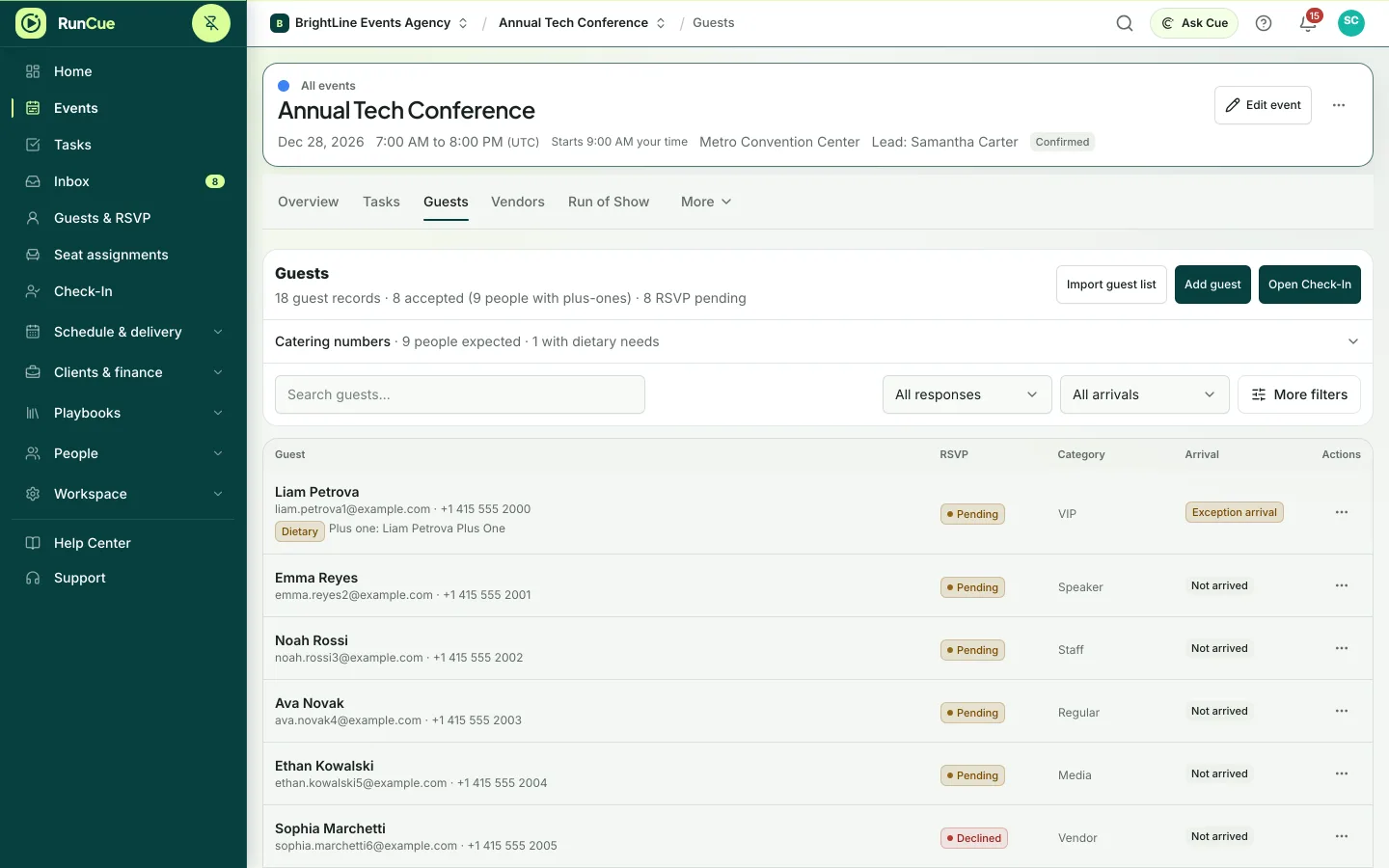
You import the guest list, track RSVPs as they come in, and seat 14 tables against the confirmed list. Two weeks out, the run of show gets times and owners for the photographer, band, and caterer. On the day, someone else can check guests in from a phone because the plan is not only in your head.
Example scenario: a wedding with 120 guests- 01
Start from a template
Pick the closest event type and get a real task list with dates, instead of a blank page.
- 02
Build the guest list
Import or add guests, then track RSVP, dietary needs, and plus ones.
- 03
Seat the room
Lay out tables and assign guests from that same list, so seating and RSVP can never drift apart.
- 04
Write the Run of Show
Put the day in order with times and owners, so the schedule survives contact with the day.
See the working detail.
Explore the tools behind your event plan.
A starting point for your workspace
Personal
Personal covers up to 3 active events for you and one collaborator, with RSVP forms, seating, check-in and Ask Cue.
Compare plansBefore you get started.
Do I need a team to use RunCue?
No. The Personal plan is made for one planner, with room for one collaborator.
Can someone help me on the day?
Yes. Add a collaborator, and use a phone to check in guests at the door.
What if I start planning more events?
Upgrade the same workspace to Team or Business at any time. Your events and data stay where they are.