One guest list, from RSVP to seat to arrival.
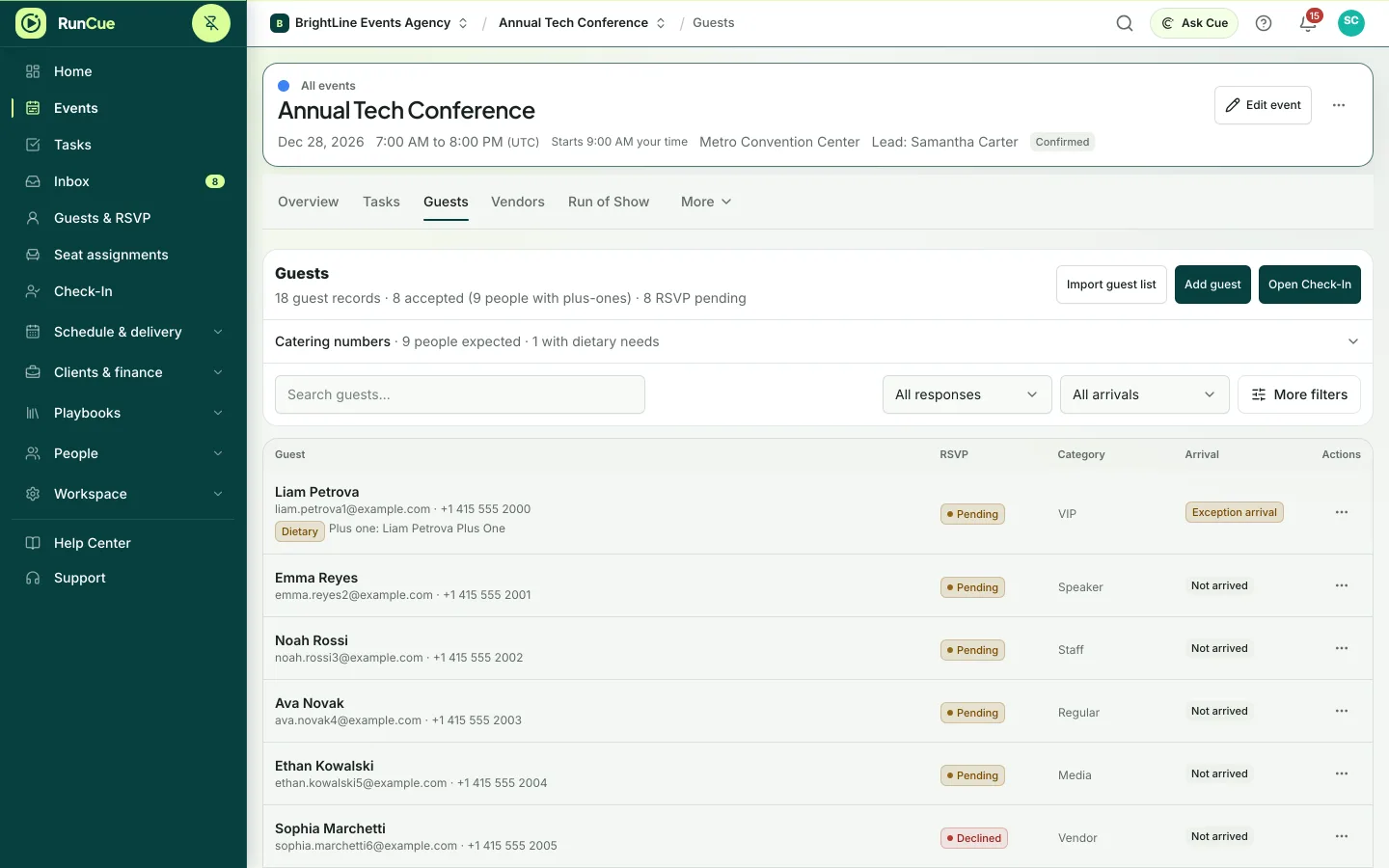
Import or collect guest details, track RSVPs and dietary needs, seat people and check them in, all from the same list.
Guest lists are on every plan (Free: 50 guests per event). RSVP forms, seating and check-in are included from the Personal plan up and during the free trial.
Example check-in: two guests with accepted RSVPs are checked in, and the arrived count rises.
The work behind guest management
Guest management, in practice.
An RSVP sheet, a seating file and a door list can each be correct on their own and still disagree with one another.
- 01
Build the list
Import a CSV file, add guests by hand or collect replies through an RSVP form.
- 02
Track the details
Record RSVP, category, plus-ones, dietary needs and accessibility requirements.
- 03
Seat the room
Assign guests to seats from the same list, with capacity checks against the floor plan.
- 04
Check people in
Check guests in from Event Day, a door kiosk or a badge scanner.
Inside RunCue
Guest management · product view
What is included
- CSV import and export
- RSVP forms and plus-ones
- Dietary and accessibility notes
- Guest categories and badges
- Seat assignment
- Check-in for one day or every day of the event
What changes for your team
- No separate door list to keep in sync
- Seating always reflects the latest RSVPs
- Attendance feeds straight into the closeout report
Questions about guest management
Can I import an existing guest list?
Yes. Upload a CSV file, match its columns to RunCue fields and review any problems before the guests are added.
Can attendance be tracked for each day?
Yes. Multiday events can record who attended each day, as well as each guest’s overall check-in.
Can I email or text guests?
Yes. Send email from the shared inbox on every plan. Paid plans and the free trial also include a monthly SMS allowance for United States and Canadian numbers.
What happens to guest details after the event?
They stay with the event until you remove them. Once an event is completed, its owner can remove guests’ names, contact details and answers in one step, while attendance, seating and reports stay.