Every vendor detail, attached to the event it is for.
Keep each vendor’s contacts, requirements, quotes, contract, payments and arrival time together on the event.
Included on every plan. Free allows 5 vendors per event. The vendor portal is included on Team and Business.
Example: a vendor confirms their booking in the vendor portal, shares their insurance certificate, and is marked arrived on the day.
The work behind vendor coordination
Vendor coordination, in practice.
Vendor details end up split between email, a budget sheet and someone’s phone. The missing piece turns up at load-in, when it is hardest to fix.
- 01
Add the vendor
Add a vendor to the event, or reuse one from your vendor library.
- 02
Record what they need
Keep contacts, requirements, files, quotes and notes together.
- 03
Track what you owe
Link the vendor’s costs and payment status to the event budget.
- 04
Run the arrival
On the day, record when they arrive or if they are running late.
Inside RunCue
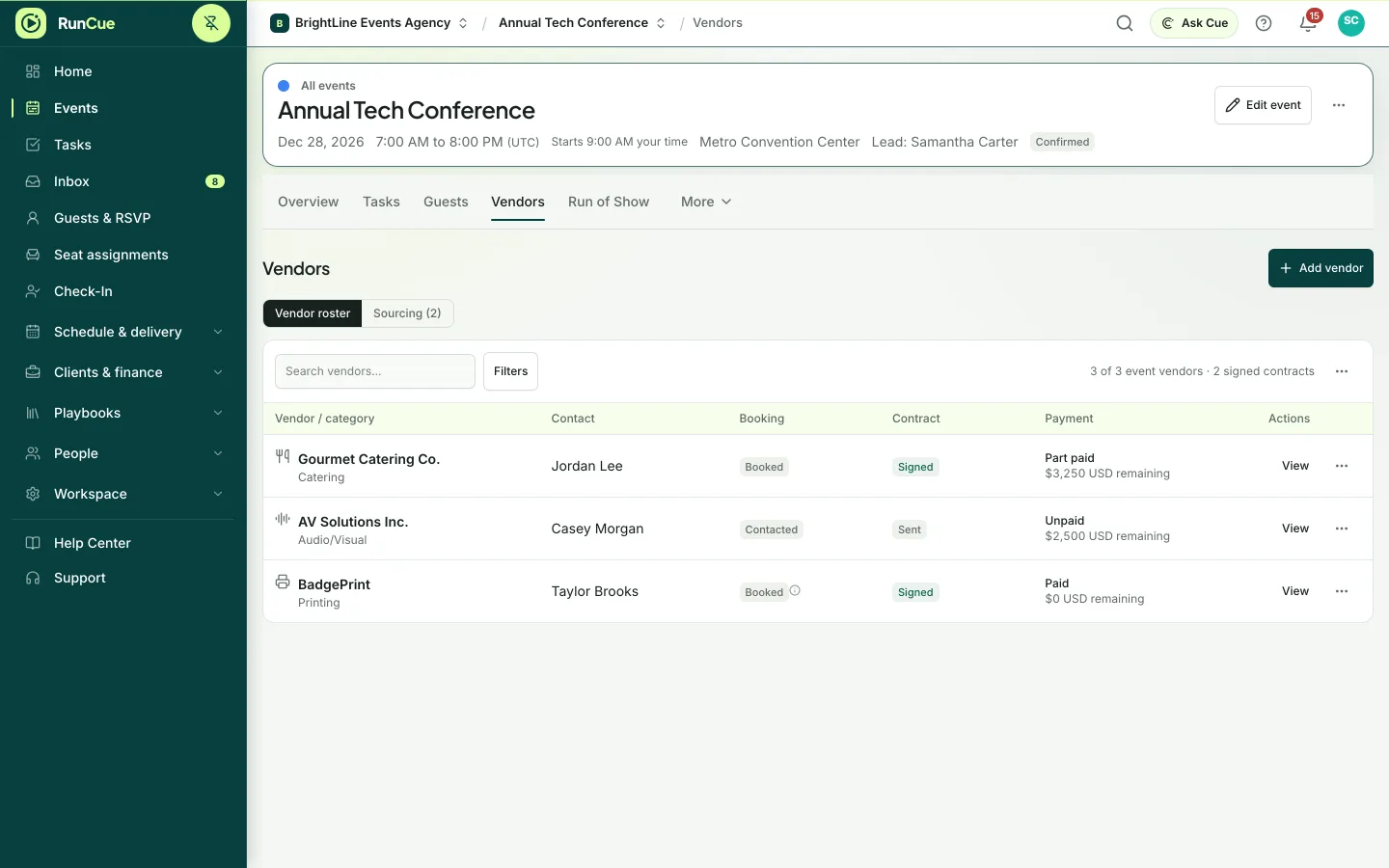
Vendor coordination · product view
What is included
- Vendor contacts and a reusable vendor library
- Requirements and requests for quotes
- Quote comparison and files
- Contract and payment status
- Arrival times and delays
- A private vendor portal
What changes for your team
- The on-site team sees exactly what was agreed
- Costs and requirements stay with the vendor
- Everyone can see who has arrived
Questions about vendor coordination
Can vendors see their own details?
On Team and Business, vendors can use a private portal that shows only what you share with them, such as their schedule and documents.
How are vendor payments tracked?
Each vendor’s costs, invoices and payment status are recorded against the event budget.
Can we reuse our preferred vendors?
Yes. Save vendors to your library and add them to any event.