Keep planning deadlines and show timings apart.
The calendar holds due dates and milestones. The run of show holds the minute-by-minute timings on the day. Both come from the same event.
Included on every plan. Google and Outlook calendar sync is included from the Personal plan up.
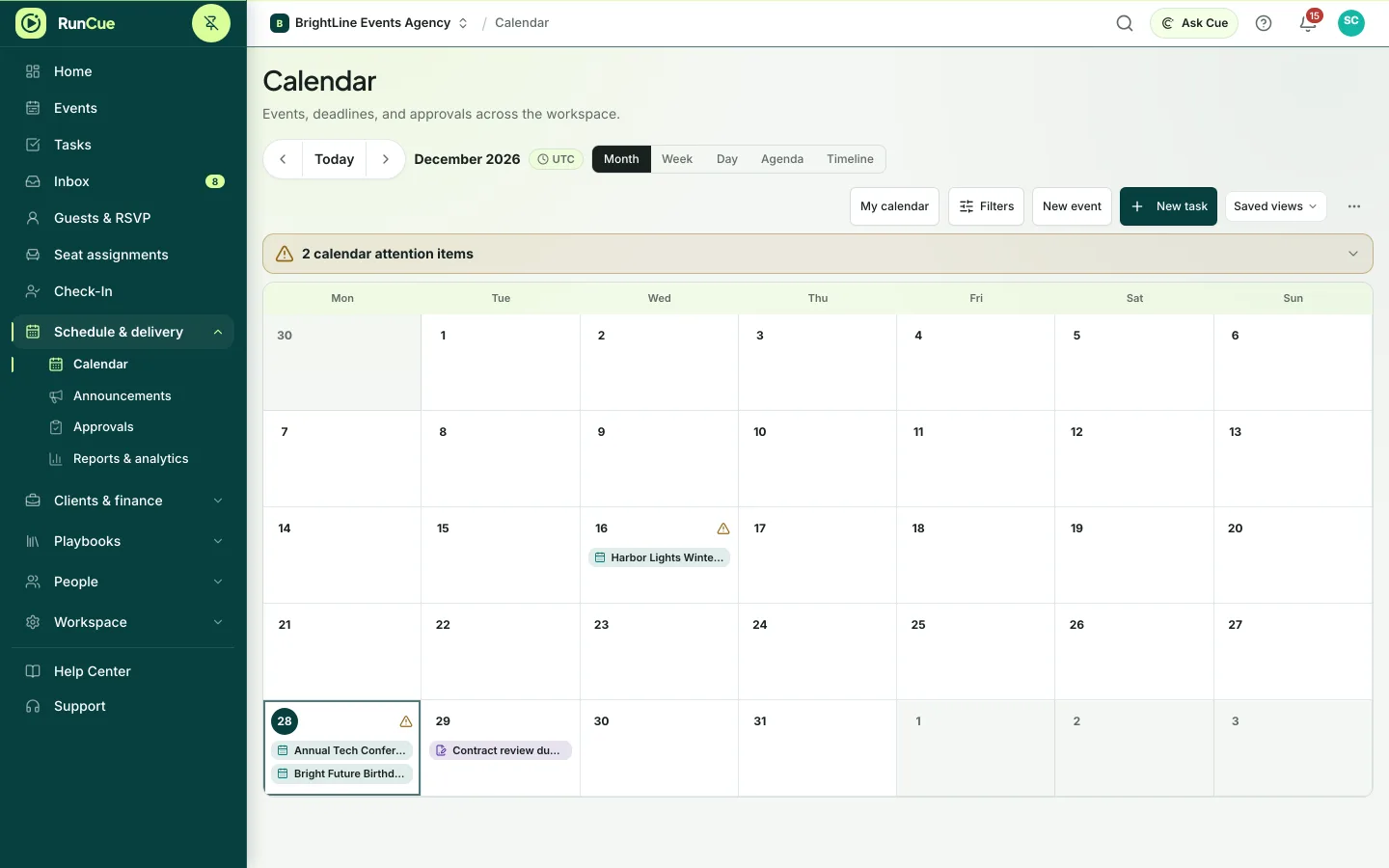
Example week: a site visit, a deadline, load-in and the event appear on one calendar.
The work behind calendar & timeline
Calendar & timeline, in practice.
Planning deadlines and show cues are different kinds of time. Putting both in one calendar makes the planning noisy and the timings on the day imprecise.
- 01
Set the event dates
Set the event date, duration and time zone.
- 02
Schedule the preparation
Place tasks and milestones on the calendar and timeline.
- 03
Plan each day of the event
Multiday events keep a separate schedule for each day.
- 04
Use your own calendar
Sync with Google or Outlook, or subscribe to an ICS feed.
Inside RunCue
Calendar & timeline · product view
What is included
- Event and task calendar
- Timeline view
- Separate schedules for each event day
- Warnings about clashing dates
- Google and Outlook calendar sync
- ICS calendar feed and export
What changes for your team
- Deadlines stay separate from show timings
- Multiday work stays on the right day
- Event dates appear in the calendar your team already uses
Questions about calendar & timeline
Can I see RunCue dates in my own calendar?
Yes. Connect Google or Outlook, or subscribe to an ICS feed.
Do changes in Google or Outlook update RunCue?
No. RunCue can publish to your calendar and show your other events, but edits made there do not change RunCue records.
Is the calendar the same as the run of show?
No. The calendar covers preparation deadlines. The run of show is the minute-by-minute schedule for the day.